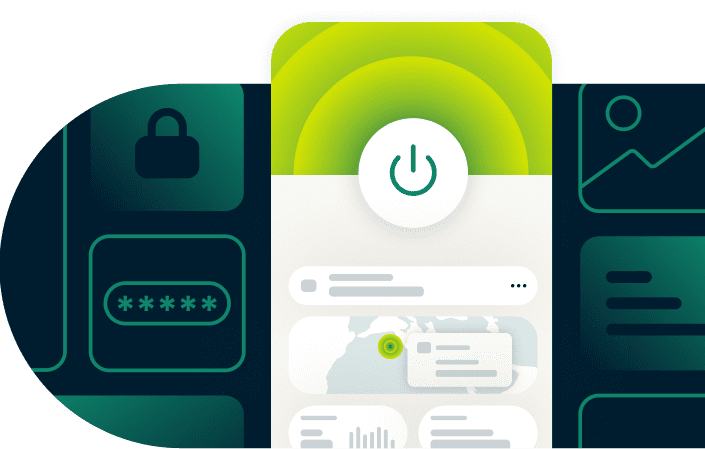
How to use a VPN with ExpressVPN: A complete walkthrough
Learn how to use a VPN with clear, beginner-friendly steps. ExpressVPN makes online security simple with quick setup and easy-to-use tools.
30-day money-back guarantee for first-time users only
Why use a VPN in everyday life?
Secure your online activity on any network
-
![Protect yourself on public Wi-Fi Connecting through the Wi-Fi at places like Starbucks, hotels, or airports makes your traffic more vulnerable to h...]()
Protect yourself on public Wi-Fi
Connecting through the Wi-Fi at places like Starbucks, hotels, or airports makes your traffic more vulnerable to hackers. VPN encryption shields your traffic, keeping your logins, banking details, and other sensitive data private on shared networks.
-
![Keep your personal data and activity private ISPs can monitor much of what you do online. Encrypting your traffic keeps your browsing private from ...]()
Keep your personal data and activity private
ISPs can monitor much of what you do online. Encrypting your traffic keeps your browsing private from ISPs.
Third-party trackers may also follow you around the web. Masking your IP address with a shared VPN IP address makes it harder to link your online activity to you.
-
![Get more consistent connections for daily tasks Content-based throttling from ISPs can interrupt everyday browsing, gaming, or streaming. Encryptio...]()
Get more consistent connections for daily tasks
Content-based throttling from ISPs can interrupt everyday browsing, gaming, or streaming. Encryption helps you avoid this by preventing ISPs from identifying what you’re doing online. ISPs will only detect that you’re connected to a VPN server.


How to use ExpressVPN: Step-by-step guide for beginners
Learn how to connect to a VPN and protect your online activities
Step 1: Sign up and choose your ExpressVPN plan
Visit the sign-up page on ExpressVPN’s official site and choose the subscription that suits your needs. New customers are backed by a 30-day money-back guarantee*, so you can learn how to use VPN features confidently.
*Users who purchased their subscriptions through the Apple App Store (iTunes) or the Google Play Store do not have access to the ExpressVPN 30-day money-back guarantee. Instead, users can request refunds through the App Store or Play Store, at Apple’s or Google’s discretion.
Step 2: Download the ExpressVPN app for your device
Go to our VPN download page and install the ExpressVPN app on your device. One ExpressVPN subscription supports up to 14 devices at once, covering phones, laptops, tables, smart TVs, and more.
Step 3: Log in with your account or activation code
Open the app and enter your email login or activation code to link your subscription. ExpressVPN will send an activation code to you via email.
Step 4: Select a server location
Open the location list and pick a VPN server. Nearby servers often support faster speeds for everyday VPN uses like browsing, streaming, or working tasks.
Step 5: Tap or click “Connect” to turn on your VPN
Turn on your VPN connection with one tap/click. The app will automatically create an encrypted tunnel and mask your IP address.
Our independently audited no-logs policy ensures ExpressVPN doesn’t monitor or record your online activity or connection logs.
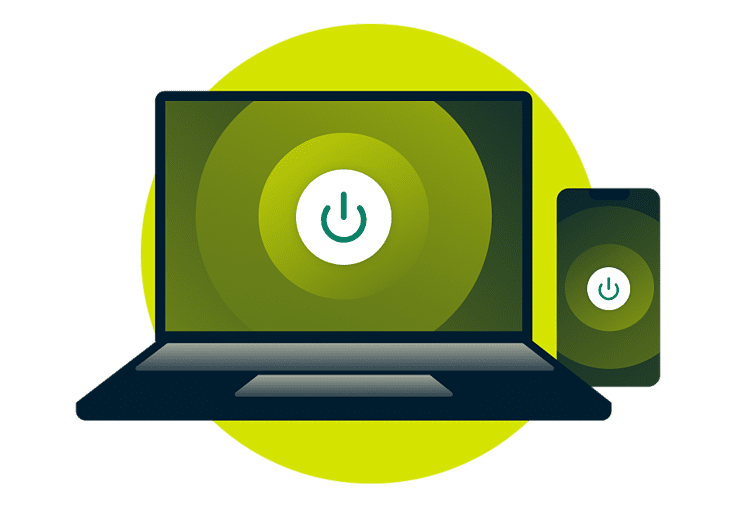
Step 6: Use your browser and apps securely
Once connected, continue with your daily tasks, like using PayPal or shopping on Amazon, as you normally would.
You can also learn more about how a VPN works to protect your data and online identity from hackers and interception.
Watch: How to use ExpressVPN (Video tutorial)
A quick guide for setting up and using a VPN

How to tell if your VPN is working
Use these simple indicators to confirm ExpressVPN is securely connected
-
![Status Icon@2x]()
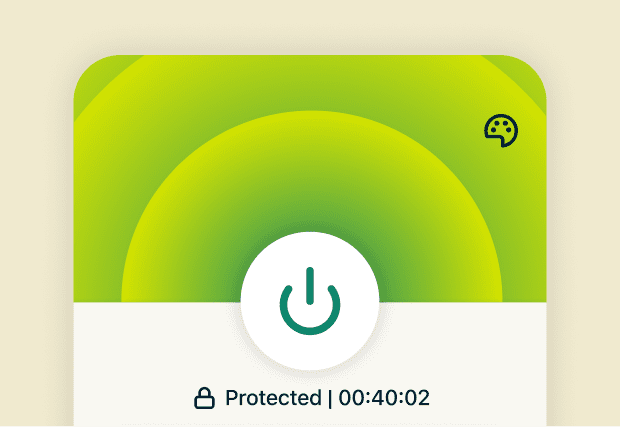
Check the status icon in the app
A green status icon in the VPN app home screen confirms ExpressVPN is on and routing your traffic through the secure tunnel.
-
![Ip Checker@2x]()
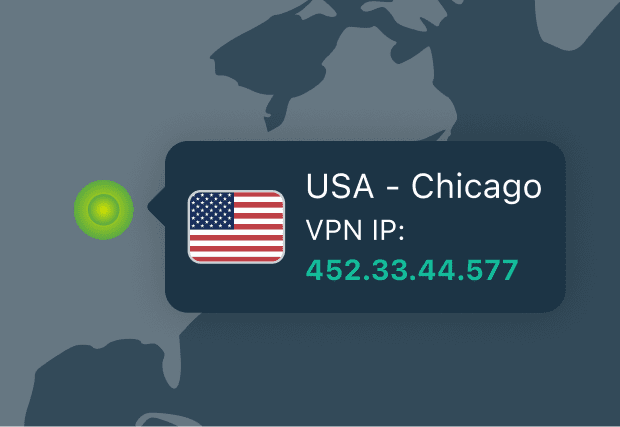
Use the built-in IP address checker
The IP address checker appears on the home screen beneath your connection status in the app.
How to check if your VPN is working properly: A changed IP address verifies that ExpressVPN is active.
Everyday VPN use inside the ExpressVPN app
What is ExpressVPN used for? Explore relevant features for your daily browsing
-
![Safe Connection Mobile@2x 1]()
Stay protected with Auto-Connect
Switching between mobile data and café Wi-Fi at places like Starbucks is safer with Auto-Connect.
This feature automatically activates ExpressVPN the moment you join untrusted networks. All you have to do is toggle it on to enable this automatic protection.
-
![Advanced Protection@2x 25]()
Prevent exposure with Internet Kill Switch
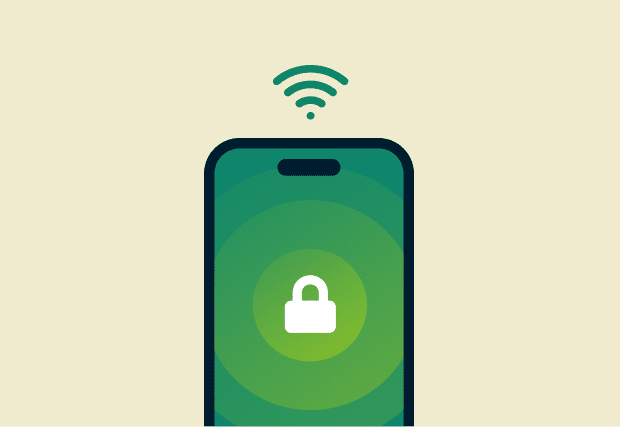
If the Wi-Fi drops at busy places like airports or hotels, Internet Kill Switch prevents traffic from leaving your device until the VPN connection is re-established.
This helps you avoid accidentally exposing your IP address and data on unstable networks.
-
![Split Tunneling@2x 26]()
Control which apps use the VPN with split tunneling
Split tunneling gives you control over which apps through the VPN for added privacy and which ones bypass it, helping you balance speed and protection.
You can set streaming apps, for example, to bypass the VPN on your regular connection while banking apps or browsers use ExpressVPN.
-
![Advanced Protection@2x 26]()
Block threats with advanced protection features
Browsing ad-heavy sites like large news outlets is safer with ExpressVPN's malicious site and tracker blockers enabled.
By preventing known trackers and malicious domains from loading on apps and websites, you reduce unwanted data collection and security risks.

Using ExpressVPN on different devices
See compatible setup options tailored to each device type
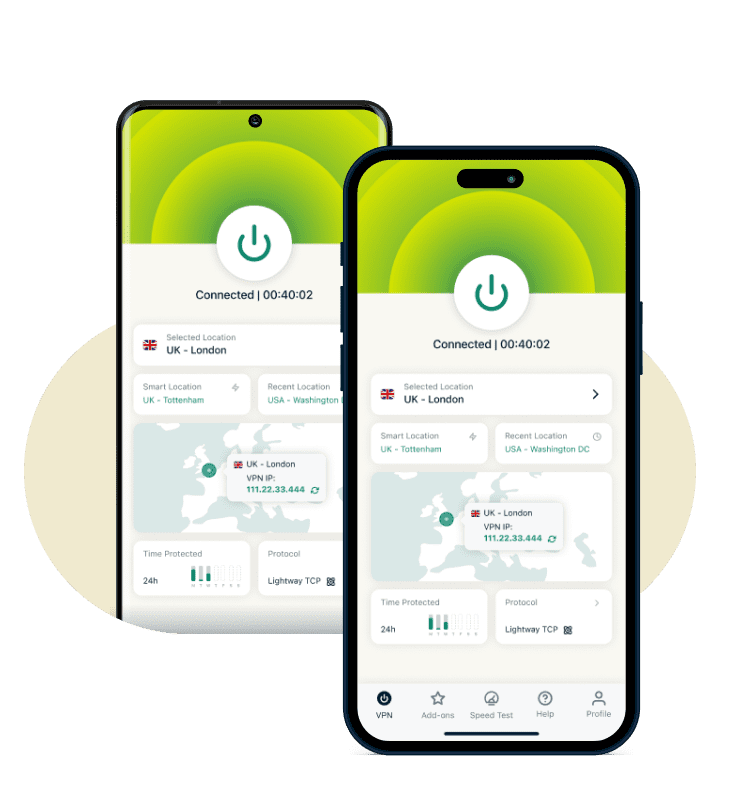
iPhone and Android smartphones
Using ExpressVPN on iOS or Android offers unique features, including an in-app server speed test that helps you find the best VPN server for your location.
ExpressVPN’s Lightway protocol is optimized to maintain fast connections for everyday apps and activities, like mobile gaming and streaming. It’s also lightweight, helping preserve battery life on mobile devices while you’re on the go.
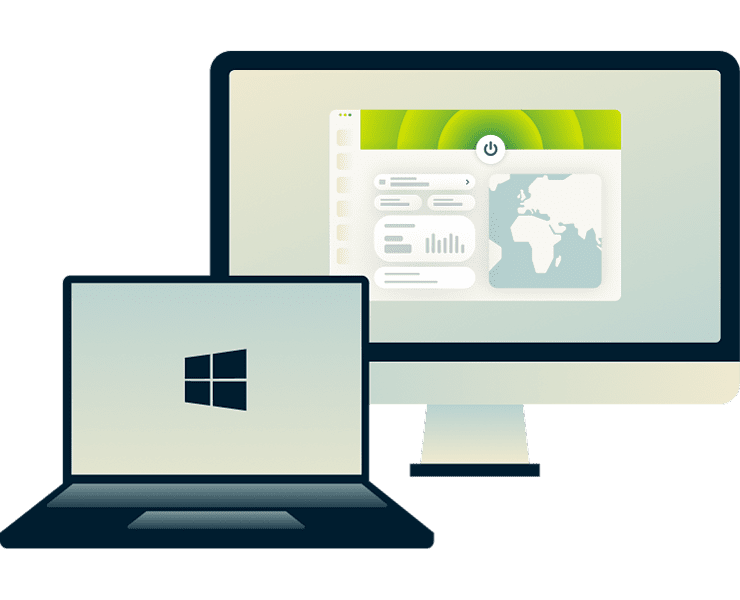
Windows and macOS
You can easily stay protected while working or browsing with ExpressVPN’s native apps for Windows, Mac, and Linux devices.
ExpressVPN Shortcuts help you launch your preferred sites directly from the VPN app. Plus, post-quantum equipped protocols (Lightway and WireGuard) help keep your data protected now and against future cryptographic threats.
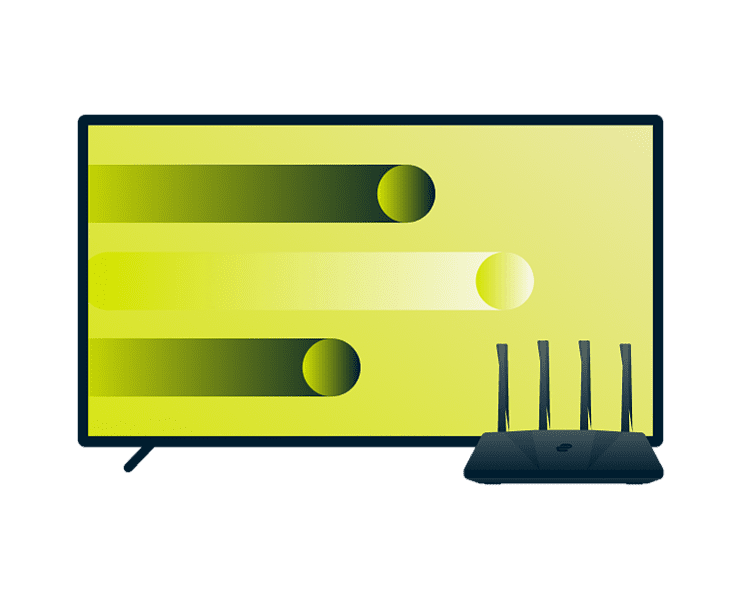
Smart TVs, streaming devices, and game consoles
You get flexible options for protecting your streaming and gaming connections with ExpressVPN’s native apps and alternative setup options.
While some streaming devices and smart TVs support ExpressVPN (like Apple and Android), others don’t. However, MediaStreamer (our smart DNS) can be set up for fast streaming without encryption.
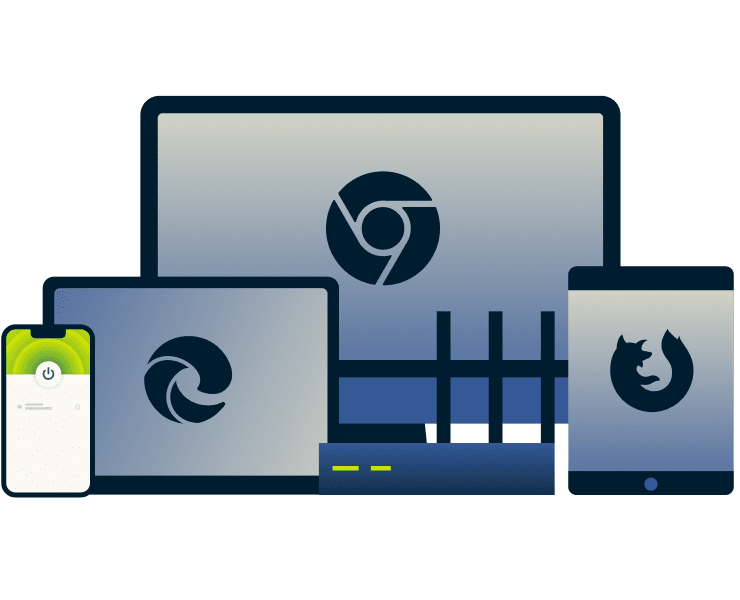
ExpressVPN browser extensions
ExpressVPN’s browser extensions for Chrome, Firefox, and Edge can serve as a remote control for the main app or a browser-only proxy.
They also come with unique features, including forcing the HTTPS versions of webpages to load when available, HMTL5 geo-location spoofing to match your VPN IP address, and WebRTC blocking to prevent IP leaks.
ExpressVPN makes it simple to stay protected
Learn how to use ExpressVPN by exploring beginner-friendly features
-
![Servers@2x 9]()
Connect instantly and stay protected
Start your VPN connection with one tap and stay protected active as you move between apps, airports, cafés, or mobile data.
Save preferred servers in your favorites list to make reconnecting even easier.
-
![Fast Location@2x 8]()
Get smart server recommendations
Let Smart Location suggest an optimal server when you’re unsure how to pick one.
Or use the built-in speed testing tool on mobile apps to find the fastest server connections during browsing, mobile gaming, or streaming via your accounts.
-
![24 7 Support@2x 11]()
Receive help anytime, from real experts
Get expert guidance on how to use a VPN, how to turn on a VPN, or which server fits your needs.
Launch 24/7 live chat directly from the ExpressVPN app or from the official website for quick answers.
-
![30d Mbg@2x 36]()
Try ExpressVPN risk-free with a 30-day guarantee
Explore how to use ExpressVPN with confidence. New customers are backed by a 30-day money-back guarantee. Just contact support to request a refund if you’re not satisfied.
That’s plenty of time to learn how your VPN connections fit into your daily routine.


What people are saying about ExpressVPN
Find out why millions of customers around the world choose ExpressVPN for their daily online tasks
I have ExpressVPN on all my devices - phone, laptop, tablet, AppleTV, etc., and absolutely love it.


* A sample of reviews from our most satisfied customers
Got an account with @expressvpn yesterday. Great decision for traveling out of the country!
@D_Geiger

* A sample of reviews from our most satisfied customers
With its consistent performance and reliable security, ExpressVPN is the best VPN out there.

* We sometimes pay expert sites for customer referrals
FAQ about how to use a VPN
Find simple explanations for the most important VPN questions
Is ExpressVPN easy to use for beginners?
Yes, ExpressVPN is easy for beginners. The intuitive app installs and connects within minutes, with key features like encryption and IP masking working automatically in the background. You stay protected on home, public, and mobile networks while you browse, shop, or bank online.
When should I turn on ExpressVPN? Should I leave it on?
ExpressVPN is most helpful whenever you browse, shop, or bank online, especially on public Wi-Fi in cafés, airports, or coworking spaces. Many people keep ExpressVPN on throughout the day because consistent encryption and IP masking support more private, uninterrupted activity across mobile and home networks.
How do I know if ExpressVPN is turned on?
You can tell ExpressVPN is active by checking the connection status at the top of the app, which changes once your VPN tunnel is secured. A new IP address also appears beneath the connection button, confirming your traffic routes through an encrypted ExpressVPN server.
Do I need to adjust any settings to start using it?
ExpressVPN works immediately after sign-in, so most people browse without adjusting anything. If you want extra protection on public Wi-Fi networks, you can enable advanced protection features like the tracker and malicious site blocker in the Add-ons tab.
What should I do if the VPN disconnects while I’m online?
A brief network drop usually reconnects quickly, especially on mobile networks. To prevent risk of exposure, enable the Internet Kill Switch feature to block traffic until the secure VPN tunnel reestablishes. Reconnection happens automatically, allowing you to continue browsing without restarting activity.
Can I use ExpressVPN on multiple devices at the same time?
Yes, ExpressVPN supports connections on up to 14 devices at once, which helps when you switch between your phone, laptop, and smart TV at home or while traveling.
Does a VPN actually keep me private from ISPs, apps, and websites?
A VPN encrypts traffic between your device and the VPN server, which helps you avoid ISP monitoring. Apps and websites may still collect information through logins or cookies, but ExpressVPN reduces what they access by masking your IP address and blocking known trackers.
Will my connection slow down after turning on a VPN?
Some speed changes can occur when using VPNs because traffic is encrypted and travels through a secure tunnel. However, our speed-optimized Lightway protocol helps maintain fast, stable performance. You can also opt for nearby servers to keep slowdowns minimal.
How do I install and start using a VPN on my device?
You can either download ExpressVPN's native apps from the main website or through your device’s official app store. You can sign into the app with your credentials and select a server. ExpressVPN also offers different setup options for different VPN use cases, like browser extensions.
Take control of your online privacy today
- Download ExpressVPN’s easy-to-use apps
- Secure your connections with encryption and IP masking
- Work, play, stream and travel confidently